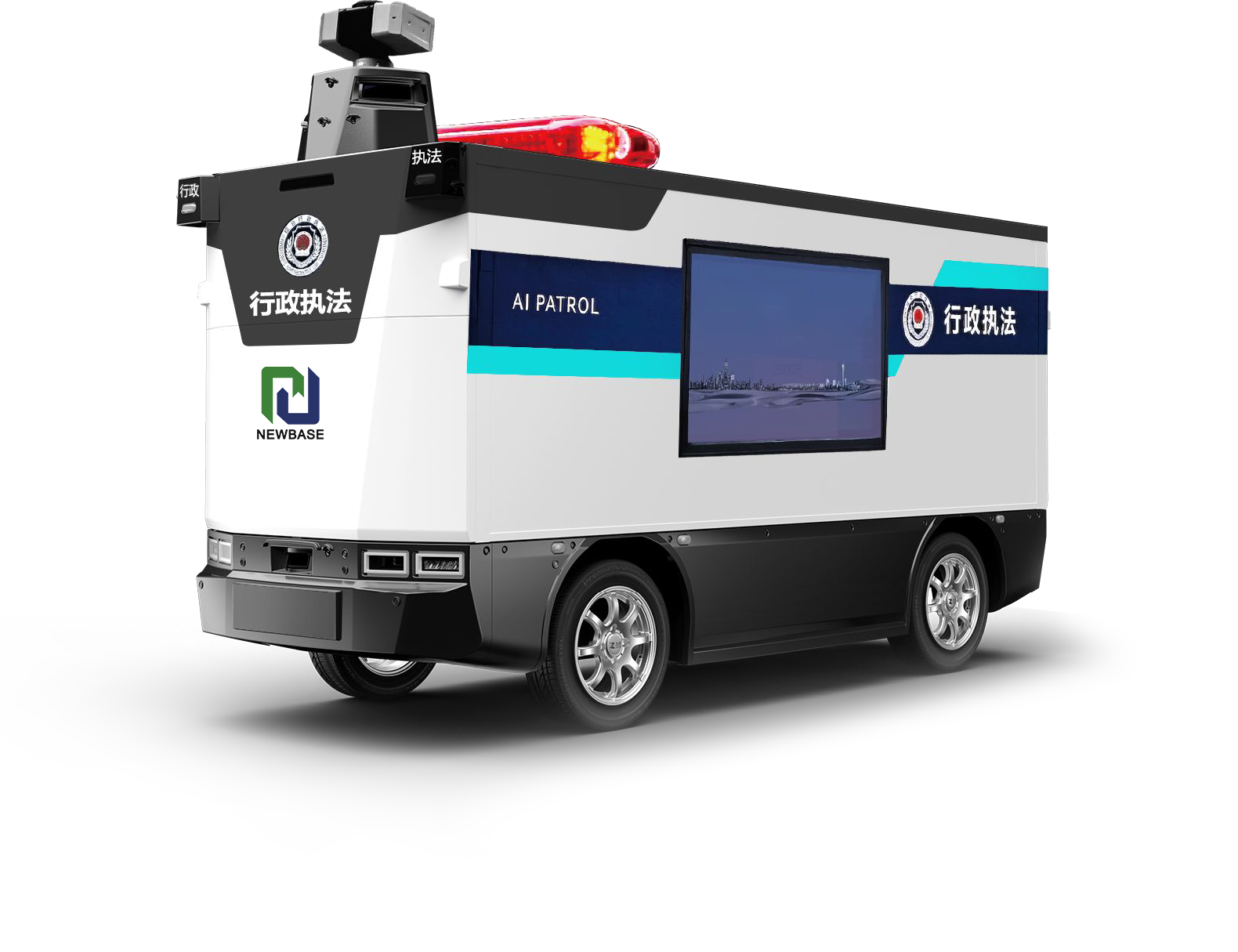
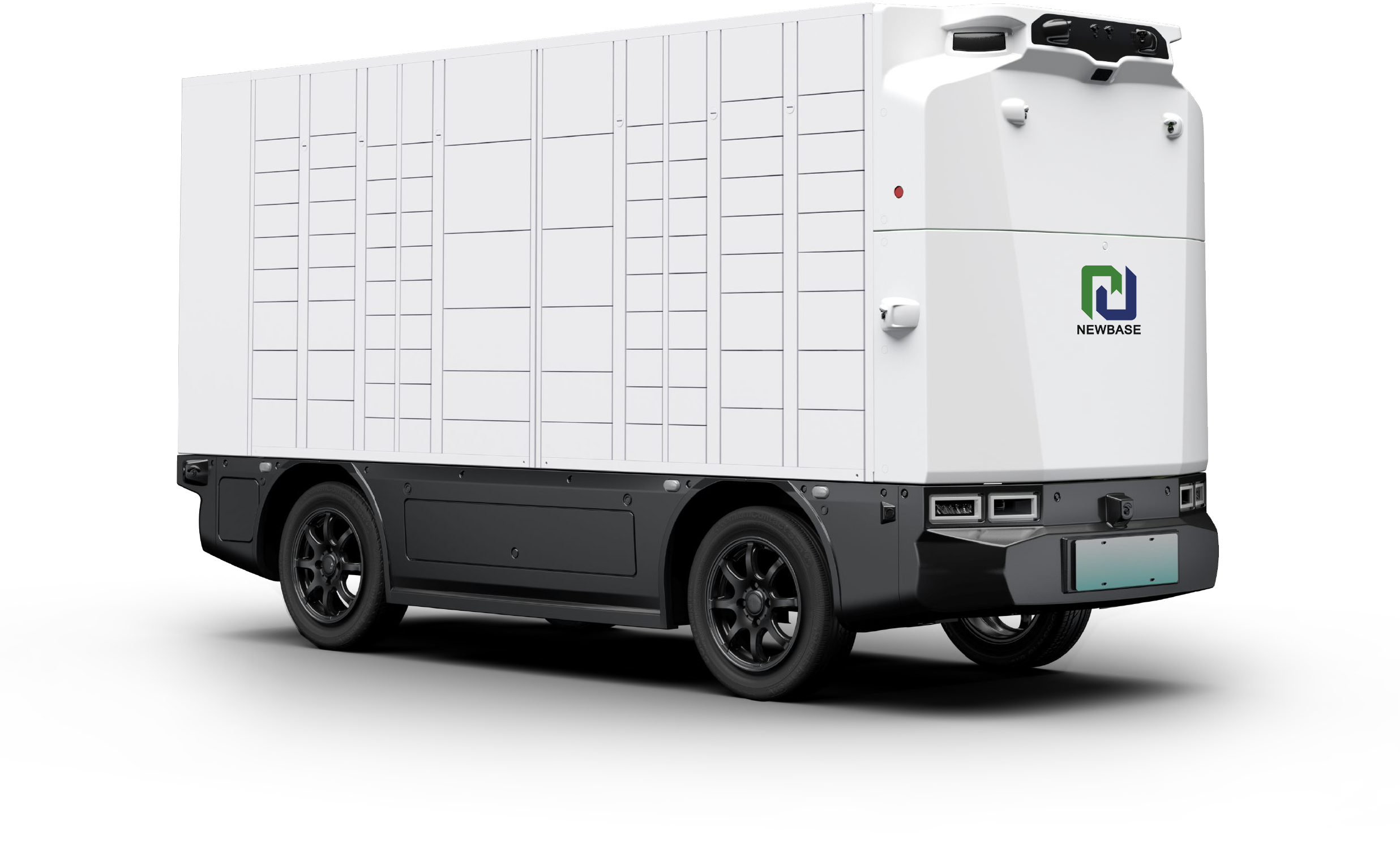
The most common problems with autonomous delivery vehicles troubleshooting teams face on a daily basis are not exotic AI failures — they are practical, operational issues like sensor dirtying, GPS dropouts, battery range anxiety, software glitches, and connectivity gaps. Anyone who tells you autonomous vehicles run perfectly 100% of the time is selling you something. The reality is that even the best fleets experience 5–15% downtime or degraded performance, depending on environment, vehicle age, and maintenance quality. What separates high-performing fleets from struggling ones is not whether they have problems — it is how quickly they diagnose and fix them. In this guide, we cover the 11 most frequent self-driving delivery van issues and solutions, drawn from real field data across hundreds of vehicles. For each problem, we explain the root cause, how to diagnose it, and what you (or your vendor) can do to fix it. NewBase publishes a detailed troubleshooting playbook for every fleet customer and provides 24/7 remote support for critical issues — because when your deliveries are on the line, you cannot wait for a 9-to-5 support ticket.
Problem 1: Dirty or Obscured Sensors (The #1 Field Issue)
Symptoms: Vehicle slows down unexpectedly, stops for false obstacles, disengages from autonomous mode frequently, or reports "perception degraded" warnings.
Root cause: LiDAR lenses and camera lenses get covered in dust, mud, rain droplets, or bird droppings. A single dirty LiDAR window can reduce detection range by 30–50%, and a dirty camera can cause traffic sign and pedestrian detection to fail. This is by far the most common issue in outdoor deployments — especially on dusty industrial sites, rainy coastal areas, or winter roads with road spray.
Diagnosis: Check the vehicle's perception log for "low confidence" or "degraded sensor" warnings. Physically inspect the sensor lenses — you will usually see the dirt, water spots, or grime immediately.
Fix and prevention:
Immediate fix: Clean all sensor lenses with a microfiber cloth and lens cleaning solution. Never use paper towels or harsh chemicals — they scratch the coating.
Short-term improvement: Install an automated sensor cleaning system (air-pulse + liquid wash) if the vehicle does not already have one.
Long-term solution: Route vehicles away from dusty construction zones and muddy roads where possible. Schedule a daily sensor-cleaning check at the depot. Add spare sensor covers for quick swap-outs.
Problem 2: GPS / GNSS Signal Loss
Symptoms: Vehicle suddenly drifts off course, stops in the middle of a route, reports "localization lost," or switches to a degraded operating mode. Most common in urban canyons, under bridges, inside warehouses, and near tall buildings.
Root cause: Autonomous vehicles rely on GPS/GNSS for global positioning, but the signal can be blocked, reflected, or degraded. In dense urban areas, tall buildings create "urban canyons" where only a narrow slice of sky is visible. Inside industrial buildings or tunnels, there is no GPS at all.
Diagnosis: Check the GNSS status indicator in the fleet management software — it will show low satellite count (below 8) or poor HDOP (Horizontal Dilution of Precision). The problem always happens in the same geographic areas.
Fix and prevention:
Immediate fix: Switch to LiDAR SLAM mode if the vehicle supports it. Pull over to an area with clear sky view and wait for reacquisition (usually 30–60 seconds).
Software fix: Make sure the vehicle has a high-quality IMU (Inertial Measurement Unit) that can dead-reckon through short signal outages. RTK (Real-Time Kinematic) with a local base station dramatically improves both accuracy and signal resilience.
Infrastructure fix: For indoor or deep-urban operations, deploy UWB beacons or visual fiducial markers to supplement GPS.
Problem 3: Battery Range Falling Short of Specs
Symptoms: Vehicle returns to base with low battery earlier than expected, or cannot complete its planned route without a mid-shift charge. Range seems especially bad in extreme heat or cold.
Root cause: Advertised range numbers are almost always measured under ideal conditions — mild temperature, flat terrain, light cargo, steady speed. Real-world conditions reduce range significantly:
Extreme cold (−10°C or below): range drops 20–40% due to battery chemistry and heating load
Extreme heat (40°C+): range drops 10–25% due to battery cooling and AC load
Heavy cargo: each 100 kg of extra weight reduces range by 3–5%
Hilly terrain: can reduce range by 15–30%
Stop-and-go driving: slightly better for EVs than highway, but aggressive acceleration still hurts
Diagnosis: Compare the actual energy consumption (kWh per km) against the spec sheet. If it is more than 20% higher and it is not temperature-related, there may be a battery health issue or a mechanical problem (dragging brakes, misaligned wheels).
Fix and prevention:
Quick win: Pre-heat or pre-cool the battery while the vehicle is still plugged in, before starting the route. This reduces the energy used for thermal management during driving.
Route optimization: Flatter routes, smoother driving profiles, and regenerative braking all extend range. Use the fleet management software's eco-mode.
Battery health check: If the range drop is sudden and temperature-independent, run a battery diagnostic. Capacity loss below 80% of rated capacity usually means the pack needs service or replacement.
Vendor tip: NewBase vehicles use LFP battery chemistry with active thermal management, which holds range better in both hot and cold climates compared to standard NMC batteries.
Problem 4: Software Crashes and System Freezes
Symptoms: Vehicle's central display freezes, autonomous mode disengages unexpectedly, or the vehicle reboots itself mid-route. Error messages may mention "compute fault" or "system restart."
Root cause: The onboard computer runs complex AI software, and like any computer, it can crash. Common triggers include: extreme temperatures (too hot or too cold), software bugs in new updates, memory leaks, sensor data floods, and power supply instability.
Diagnosis: Check the system log for crash timestamps and error codes. If crashes always happen in the same location, it may be a specific edge case triggering a software bug. If they happen randomly in hot weather, thermal throttling or overheating is the likely cause.
Fix and prevention:
Immediate fix: Reboot the vehicle's compute system. Most autonomous vans have a physical reset button or a remote reboot option in the fleet platform.
Thermal fix: Ensure the compute unit's cooling system is working properly. Clean dust from intake filters. In hot climates, add extra cooling or park in shade.
Software fix: Make sure you are running the latest stable software version — vendors frequently fix crash bugs in OTA updates. If the problem started right after an update, roll back to the previous version and report the bug.
Prevention: Schedule regular software updates during off-hours. Maintain a "known good" software version you can roll back to.
Problem 5: Connectivity Dropouts (4G/5G)
Symptoms: Vehicle disappears from the fleet management dashboard, remote commands do not work, or over-the-air updates fail. The vehicle itself may continue driving autonomously — you just cannot see or control it.
Root cause: Cellular coverage is not universal, even in developed countries. Industrial areas, underground parking, rural routes, and locations near metal structures all have spotty or non-existent 4G/5G coverage.
Diagnosis: Track where exactly the vehicle goes offline. If it is always the same location, it is a coverage dead zone. If it is random, it may be a loose antenna connection or a faulty modem.
Fix and prevention:
Immediate fix: The vehicle should continue its pre-planned route autonomously even without connectivity — this is a basic safety requirement. When it comes back into coverage, the data syncs automatically.
Hardware fix: Upgrade to a multi-carrier SIM or add a secondary LTE modem with a different carrier. Ensure antennas are mounted in a clear-sky position (roofline, unobstructed).
Software fix: Use offline-capable mission planning — the vehicle should execute its route fully autonomously and sync data when connectivity returns.
For dead zones: If a critical part of the route has zero coverage, consider installing a local 5G small cell or using V2X communication with a local base station.
Problem 6: Unexpected Disengagements on Familiar Routes
Symptoms: A vehicle that has been running the same route without issues suddenly starts disengaging or behaving differently. Nothing has changed on the route — but the vehicle's behavior has.
Root cause: The most common cause is a recent software OTA update that changed the perception or planning behavior. Other causes include: sensor calibration drift (sensors slowly move out of alignment over time), map data changes (road construction, new signs), or a hardware component that is starting to fail.
Diagnosis: Check when the problem started — does it correlate with a software update? Is it happening to one vehicle or the whole fleet? If it is just one vehicle, suspect a hardware issue. If it is the whole fleet after an update, it is a software change.
Fix and prevention:
Software rollback: If the problem started after an update, roll back to the previous known-good version and report the issue to the vendor.
Sensor recalibration: LiDAR and camera alignment can drift from vibration and temperature changes. Schedule periodic recalibration (every 6–12 months or after any impact).
Change management: Do not accept software updates mid-shift or during peak season. Schedule updates during maintenance windows and test on one vehicle first before rolling out to the whole fleet.
Vendor support: Zhengzhou Newbase Auto Electronics Co., Ltd. provides a dedicated fleet success manager for every large customer, who reviews update notes and advises on the best time to roll out new software versions.
✅ Bottom line: These 11 issues cover 90%+ of the
Autonomous Logistics Vehicle common faults troubleshooting that fleet teams deal with. The good news is that most are preventable with regular maintenance, clean sensors, and disciplined software update management. The single most impactful thing you can do is establish a daily pre-shift inspection checklist (sensor cleaning, tire pressure, door operation, battery charge) — it takes 5 minutes per vehicle and prevents 60%+ of common problems.
FAQ
Q: What are the most common problems with autonomous delivery vehicles troubleshooting teams see in the field?
The #1 issue by frequency is dirty or obscured sensors — dust, rain, and mud on LiDAR and camera lenses cause perception degradation and false stops. The rest of the top 5 are: GPS signal loss in urban canyons and indoor areas, battery range falling short of specs in extreme temperatures, occasional software crashes or freezes, and cellular connectivity dropouts in dead zones. None of these are showstoppers — they are all manageable with proper maintenance, good route planning, and vendor support.
Q: Where can I find reliable self-driving delivery van issues and solutions data?
The best source is always your vehicle vendor's support team and knowledge base — they see issues across their entire fleet and have the most current solutions. Industry forums and user groups can also be helpful for peer experience, but take advice with caution — what works for one vehicle model may not work for another. For NewBase customers, the fleet support portal has a searchable knowledge base with step-by-step troubleshooting guides for every known issue, plus 24/7 chat and phone support for critical problems.
Q: How much downtime is normal for autonomous logistics vehicle common faults troubleshooting?
For a well-maintained fleet with good vendor support, expect 5–8% downtime per vehicle per month — meaning the vehicle is available for delivery 92–95% of scheduled operating hours. This compares favorably to human-driven delivery fleets, which typically see 10–15% downtime from driver absences, accidents, and vehicle maintenance. Poorly maintained autonomous fleets or fleets without local service support can see 15–25% downtime, which is why vendor service quality is such an important buying criterion.
Ready to Troubleshoot Less and Deliver More?
If you are currently dealing with unreliable autonomous vehicles or want to avoid common pitfalls before you deploy, NewBase can help. The fleet support team at Zhengzhou Newbase Auto Electronics Co., Ltd. has resolved thousands of issues across hundreds of deployed vehicles and maintains a comprehensive troubleshooting knowledge base that every customer gets access to. With 24/7 remote support, regular preventive maintenance schedules, and OTA software updates that continuously improve reliability, NEWBASE fleets consistently achieve 92%+ uptime.
Reach out today to learn more about fleet support, reliability data, and how to maximize uptime for your autonomous delivery operation.